Faceless 3D reels, without your face.
You commented "3D" on my Reel, so here is everything. This is the process I use to make faceless explainer videos: an AI script, an ElevenLabs voiceover and 3D visuals built by a Claude skill. No camera and no recording your own voice. Watch the tutorial, follow the steps and download the skill.

The full tutorial, with sound.
This is the tutorial video from my Reel. It walks through the whole workflow. Everything it shows is written below, with prompts you can copy, so you can follow along at your own pace.
The video is in Malayalam. The steps below are in English.
Four honest things before you start.
So you don't waste time or credits on a half-finished reel.
The skill needs a paid Claude plan
It runs code and creates files, so use at least Claude Pro. The free Claude plan can't run it.
ElevenLabs has a free plan
You get a limited number of credits. For longer or more voiceovers, pick a paid plan.
It's best for explainers
The built-in look is a low-poly 3D world with maps, typed keywords, stats and stamps. It suits story and information reels, not realistic people or animals.
No background music
The skill adds your voiceover and quiet sound effects. Add music afterwards in Instagram or your editing app.
From an idea to a faceless 3D reel.
Steps 1 to 4 prepare the content. Steps 5 to 7 are where Claude builds the video. The skill setup in step 5 is a one-time job.
-
Collect the information
Before any tool, get clear on two things: what you want the audience to take away, and who you are making it for. Gather the facts, dates and numbers you want in the video. Whatever you put in is what the script will be built on.
-
Write the script with AI
Use ChatGPT, Claude or any AI tool you like. Don't just give it a topic. The quality of the script depends on the context you give: your content, your audience, the video length, the kind of hook, the storytelling style and the call to action. Here is a prompt you can copy (the details in brackets are examples, change them):
Write a voiceover script for a faceless explainer Reel.

Topic: [the story or topic and the key facts]
Audience: [who will watch it]
Length: [about 45 seconds]
Language: [English / Manglish / Malayalam]
Hook: start with a question that names the mystery
Style: simple storytelling, short sentences
Call to action: end by asking people to comment "[your keyword]"

Use only the facts I gave you. Do not invent numbers.
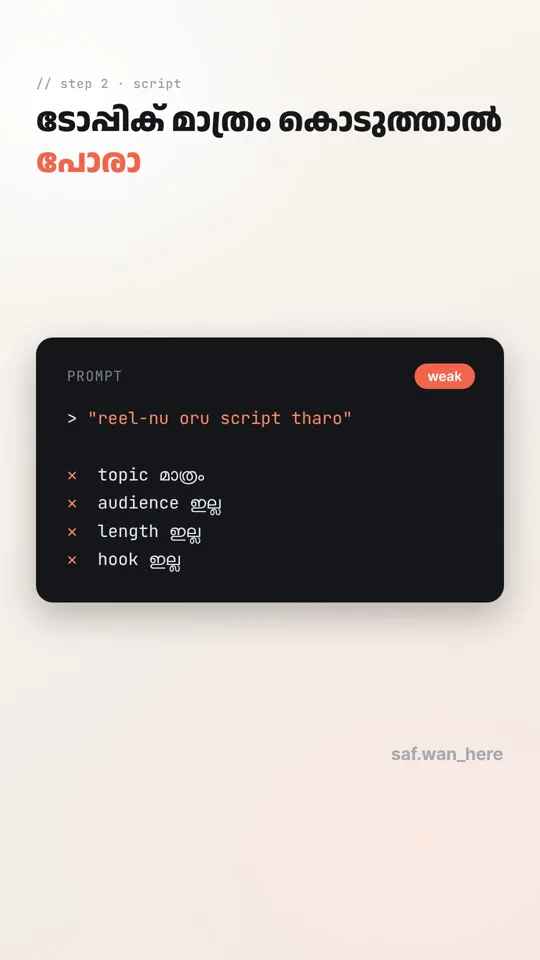
The first picture is what not to do: a topic with no audience, length or hook gives a generic script.
-
Make the voiceover in ElevenLabs
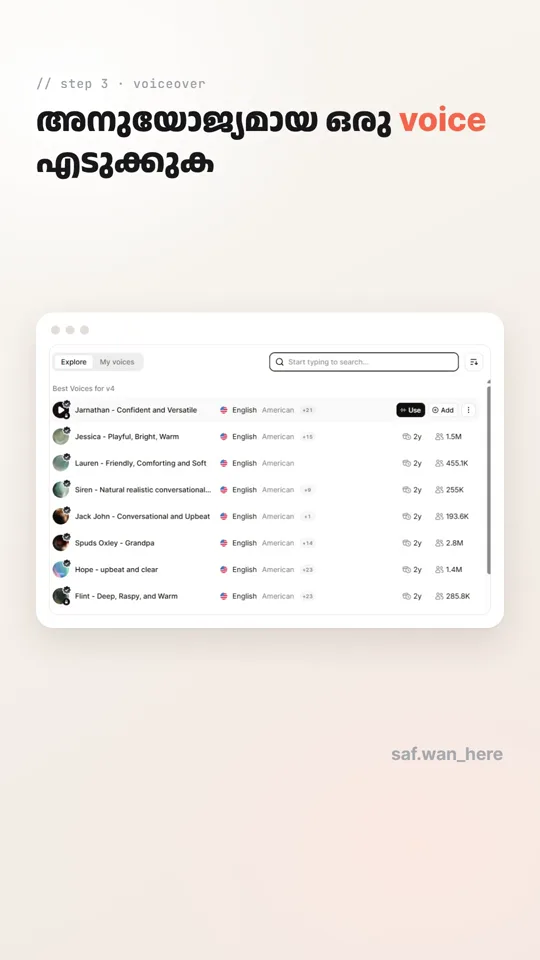
Open ElevenLabs, pick a voice that suits your topic, paste your script and generate the voiceover. Download it as an mp3. You'll give this file to Claude in step 6.
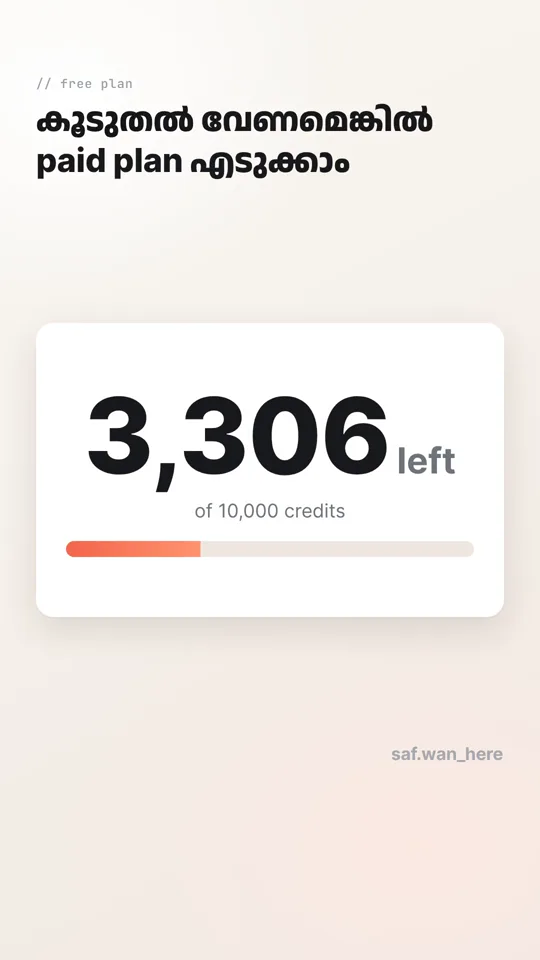
There is a free plan, but the credits are limited. If you need more, choose a paid plan. Already have your own voice recording? You can use that instead.
-
Plan what to show in each scene
A voiceover alone isn't a video. Every sentence needs a visual. Ask ChatGPT or Claude to go through your script line by line and say what to show and how the camera should move.
Here is my script: [paste script]

Go line by line and tell me, for each sentence:
- what to show on screen
- how the camera should move
- the one keyword to show in big text

Keep a new scene every 4 to 5 seconds.
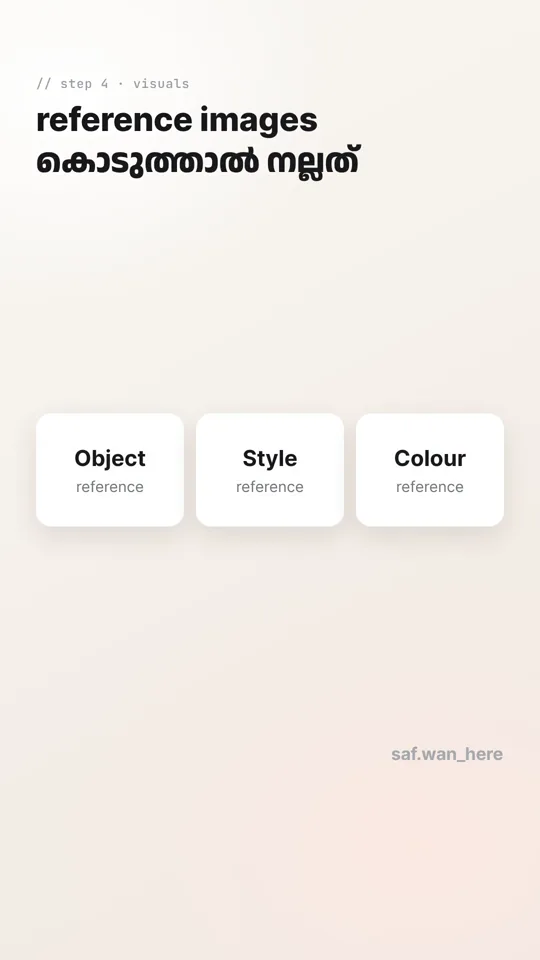
If key objects or ideas matter (a building, a map, a product), have a reference image ready for each. Object, style and colour references all help.
-
Install the 3D skill in Claude
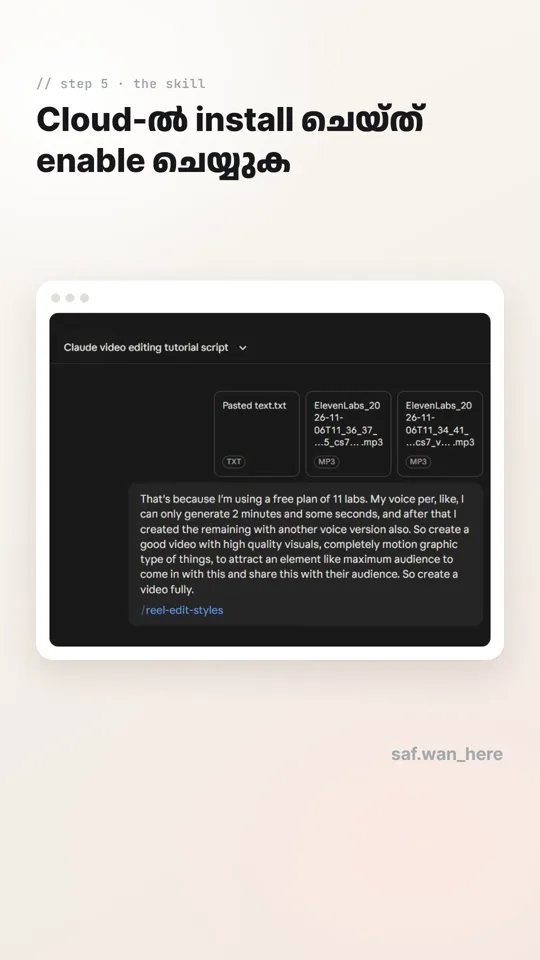
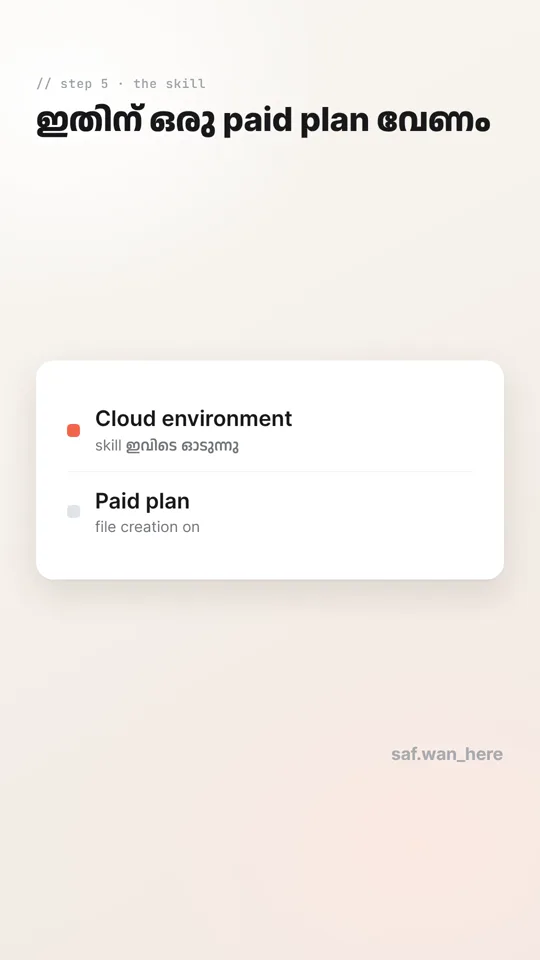
This is the skill you download here. It is a folder called explainer-reel packed as a zip. Don't unzip it and don't zip it again; Claude needs it exactly as it downloads. It needs a paid Claude plan.
Download the skill (.zip)- Open Claude and go to Settings → Capabilities. Turn on Code execution and file creation.
- Turn on Allow network egress and set allowed domains to All domains. The skill downloads free tools (a 3D library and fonts) the first time it runs.
- Go to Customize → Skills (in some versions it's inside Settings → Capabilities), tap + or Upload skill and choose the zip.
- Make sure the skill's toggle is on.
Seeing "Zip must contain a top-level folder" or "Zip must contain a SKILL.md file"? The zip was packed again. Download a fresh copy from this page and upload it as it is.
-
Give Claude your voiceover and let it build
Start a new chat, upload your voiceover (mp3) and paste your script and scene plan. Then ask Claude to use the skill. Here's a prompt you can copy:
Use the explainer-reel skill to make a faceless 3D explainer reel.

Voiceover: [upload the mp3]
Script: [paste the script, one caption line per line]
Scene plan: [paste it, or ask me to plan the scenes]
Language: [English / Manglish / Malayalam]
Notes: [colours, mood, anything specific]
The skill works in three checkpoints so you don't waste your usage:
- Beat sheet. Claude shows a table of every scene: the voiceover line, the 3D world, the camera move and the big keyword. Check it and approve.
- Test frames. Claude renders a few still frames. Check that the text is readable and every number matches your script.
- Final render. You get a 1080 × 1920 video with your voiceover and quiet sound effects. A 60-second reel takes roughly 15 minutes to render. Run it as a cloud (remote) session so it keeps going when your laptop is closed.
Expect a camera that never stops moving, a big keyword typed on at the top, a caption box, counters, stamps and map pins, and a final card with your name and a comment call to action.
-
Ask for changes, then post
Don't like a scene? Tell Claude in plain words, for example "make the second scene night time" or "change the keyword to red". It edits the scene and re-renders. For background music, add a copyright-free track in Instagram when you post.
Before you publish: check every fact, number and date on screen against your own sources. The skill is told not to invent facts, but the final check is yours.

A 3D world, built from your script.
The skill is made for faceless, informative reels. You give it the information (a voiceover, a script, or both) and Claude builds every visual.
- Low-poly 3D worlds: hills, coast, forest, rising water, buildings and boats
- A new scene every 4 to 5 seconds, with a camera that is always moving
- A big colour-coded keyword typed on at the top (works in Malayalam too)
- Counters, map pins, stamps, name cards and a closing summary
- Quiet sound effects added automatically, with your voiceover mixed in
- An ending with a comment call to action and your handle
The straight answers.
Also see my free Claude skill for editing talking-head Reels and my guide on how to edit videos with Claude.
Is this skill really free?
Yes. The skill is free to download and use, with no sign-up. You still need your own Claude plan to run it, and ElevenLabs has its own free and paid plans for the voiceover.
Do I need to be on camera or record my own voice?
No. The video is faceless. You write the script, make the voiceover in ElevenLabs (or use any voice file you already have), and Claude builds the visuals around it.
Does it work on the free Claude plan?
No. The skill runs code and creates files, which needs a paid Claude plan with code execution turned on.
Does it work for Malayalam?
Yes. The fonts it uses cover both Malayalam and English. By default it follows the language you use: Manglish in English letters, English, or a mix. If you want captions in Malayalam script, ask for that in your prompt.
Does the skill add background music?
No. It adds your voiceover and quiet sound effects (whooshes, pops, ticks). It does not make music, so add a track in Instagram or your editing app.
How long does it take to make one reel?
Rendering takes roughly 15 minutes for a 60-second reel, and the skill asks you to approve a beat sheet and test frames before the final render, so plan for a longer chat. Run it as a cloud session so it keeps working when your laptop is closed.
Can it make realistic people, animals or machines?
Not by itself. The built-in look is a low-poly 3D world. For something realistic, Claude can build a simple low-poly stand-in, or write a prompt you can paste into an AI video tool such as Kling, Veo or Runway and then drop that clip in.
Why does Claude say my zip is invalid?
Usually because the zip was unzipped and zipped again. Download a fresh copy from this page and upload it to Claude exactly as it is.